

Photo & camera stickers
Start from your gallery, snap a new photo, or pull an image straight from the web.
Turn any photo, video or GIF into a sticker in seconds. Cut out the background, add text and emoji, build organized packs, and share them with everyone — static or animated.

From a quick selfie sticker to a polished animated pack — every tool you need is built in.
Start from your gallery, snap a new photo, or pull an image straight from the web.
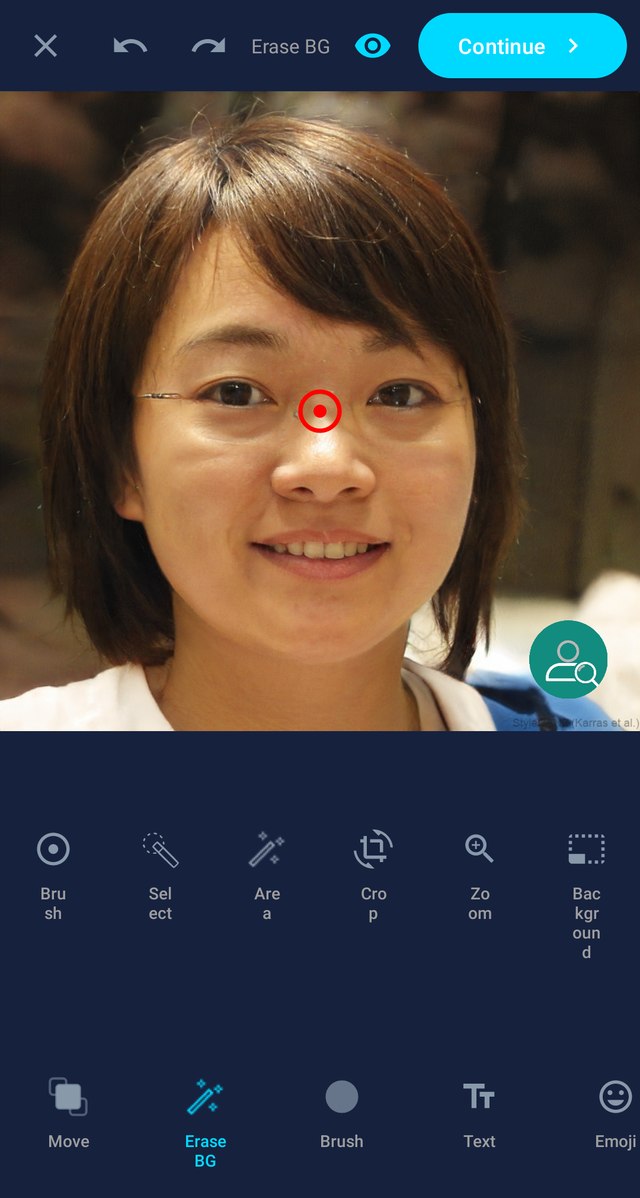
Remove backgrounds automatically with smart subject detection, or fine-tune by hand with the brush.
Turn videos and GIFs into smooth animated WebP stickers that move right inside WhatsApp.
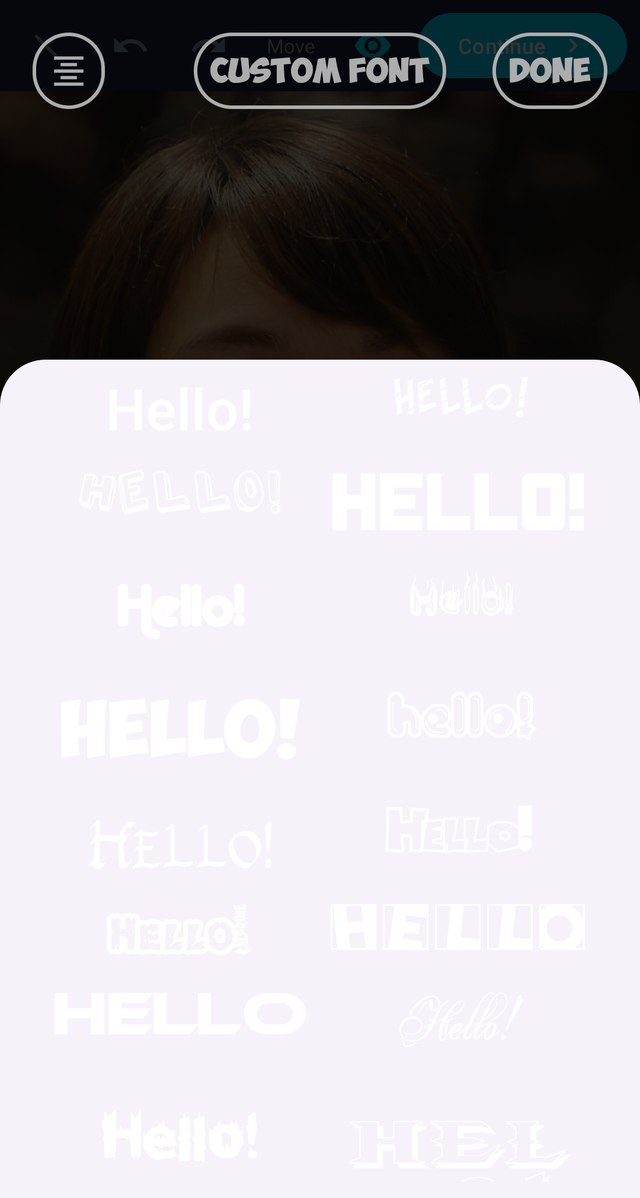
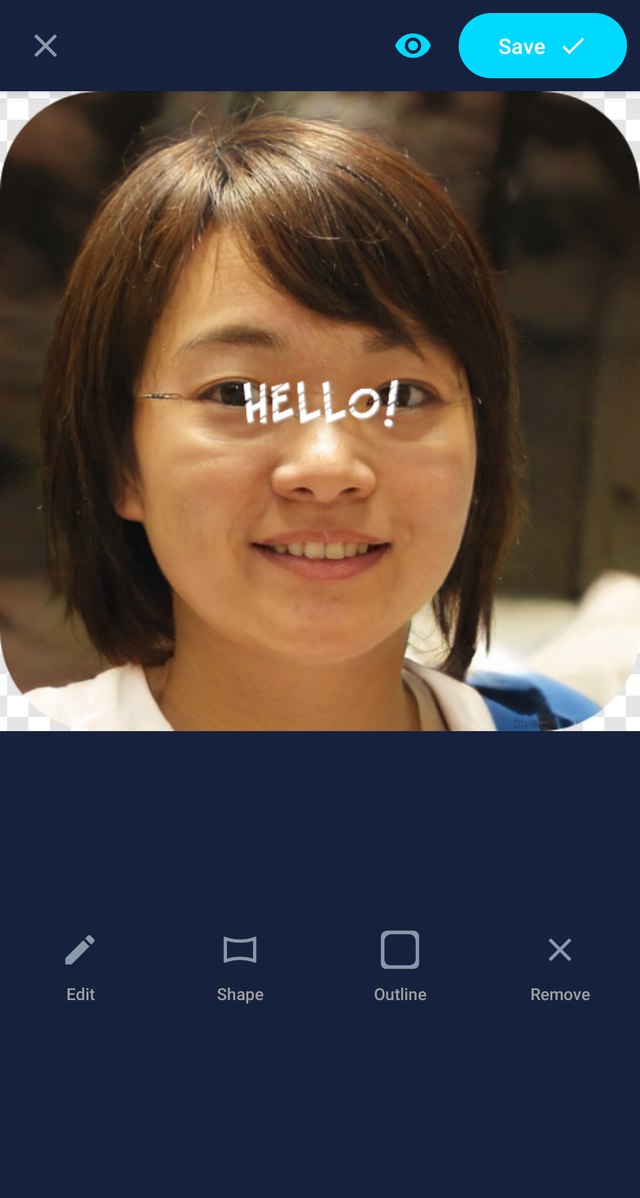
Add captions, emoji and overlay stickers, then style them with fonts, colors and filters.
Group your stickers into tidy packs and add them to WhatsApp with a single tap.
Keep your packs safe in your own Google Drive and restore them on a new phone any time.
Choose a photo, take one with the camera, or grab an image, GIF or video from the web.
Erase the background and add text, emoji and effects until it looks exactly right.
Tap “Add to WhatsApp” and start sharing your pack with friends and groups.
Real screens from the app — create, edit and manage your packs in just a few taps.
Yes. The app is free to download and use on Google Play. It’s supported by ads, and there are optional in-app purchases if you’d like to remove ads or unlock extra features.
Absolutely. You can turn videos and GIFs into smooth animated WebP stickers that move right inside WhatsApp, alongside classic static stickers.
No account or sign-up is required. You can start creating stickers the moment you open the app — no name, email or phone number needed.
Once your pack has at least three stickers, tap “Add to WhatsApp”. The pack appears in your WhatsApp sticker tray, ready to share in any chat or group.
Yes. The app removes backgrounds automatically using on-device subject detection, and you can fine-tune the result by hand with the eraser brush.
Your stickers are stored on your device, so it’s a good idea to enable backup. The app can back your packs up to your own Google Drive and restore them on a new phone.
Create Stickers for WhatsApp is currently available for Android devices on Google Play.
Download Create Stickers for WhatsApp free on Google Play.

Tip: your packs live on your device — back them up to Google Drive so you never lose them.